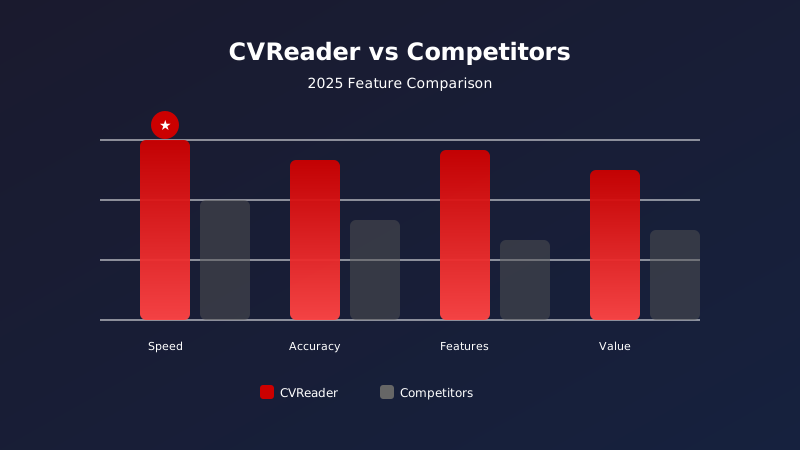
Compare CV parsers against your own workflow
Parser results depend on the documents, languages and fields you need to extract. A single benchmark figure cannot predict how a tool will perform in your environment. Use a representative sample of your CVs and apply the same criteria to each product you evaluate.
This checklist helps you review extraction, integration, controls and cost without assuming that one product is the right choice for every team.
1. Check the extracted data
List the fields your recruitment workflow needs — such as contact details, work history, education or skills — then check whether the output includes them in a usable format. Also review how the tool handles incomplete or ambiguous documents.
The CVReaderPro API documentation describes REST v2 resources and includes request and response examples. Evaluate that data against your own use cases.
2. Test formats and difficult cases
Build a test set from the formats, languages, layouts and document quality you actually receive. Include scanned files if they are part of your process, and check whether an OCR step is needed.
Compare missing fields, values that need correction and the time required for human review. Use the same sample and criteria for each product.
3. Check how the tool fits your workflow
For an ATS or HR system, review authentication, endpoints, response formats, error handling and any notifications your integration needs. Validate the integration in an appropriate environment before automating production processing.
Review the CV parsing API and its technical documentation to evaluate CVReaderPro’s API approach. Teams that prefer a workflow without an API integration can also review the no-code CV sorting workflow.
4. Review matching and human oversight
If you compare CVs with a job, define the criteria and check how results are presented to recruiters. A score should be understandable in your context and reviewed by the people responsible for recruitment.
Test different candidate profiles and job descriptions, then check whether the results provide information your team can use in its review.
5. Compare cost against your expected volume
Compare plans using your expected volume, included credits and the processing modes you need. Check any options and account terms shown to you before preparing an annual estimate.
The CVReaderPro pricing page lists plans and included credits. Prices and options can change, so use the information published when you make your decision.
Build a useful comparison
- Define the fields and review criteria your team needs.
- Test the same representative CVs with each product.
- Record errors, fields that need review and integration work.
- Have recruiters review results before any automated decision.
- Compare total cost using the options and volumes you expect.
Explore the CV parsing API, documentation and pricing to assess whether CVReaderPro fits your workflow.